Customising Your Pure Blog
Pure Blog is a very opinionated project that I've created to work in a way that makes sense to me. However, I have added a number of customisation options that allow other users of Pure Blog to have it reflect their personality.
Customisation in Pure Blog ranges from very basic, to expert level where a developer can change any aspect of their blog, as it's all open source.
Fonts, colours, and layouts
From the theme settings page in the CMS, you have multiple options to customise your Pure Blog. You can pick between a few font options, change the colours of your blog, as well as the layout of the blog post list.
Fonts
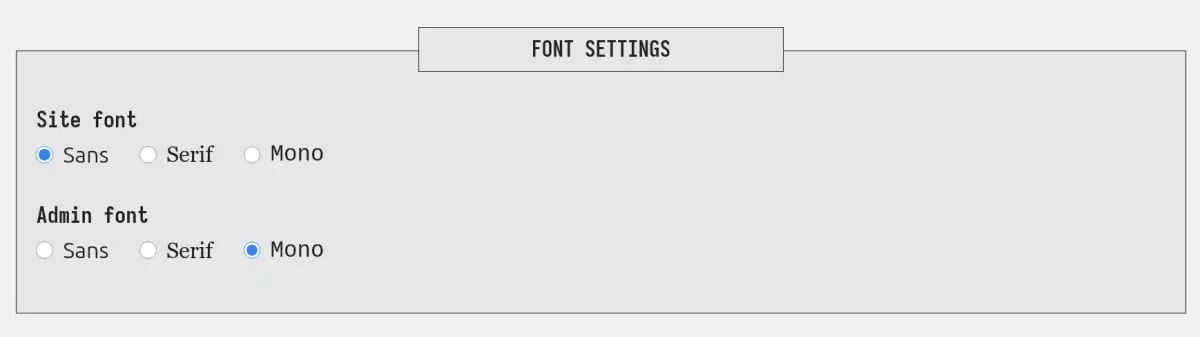
The first options you will see are font and colour settings which allow you to change the font between sans, serif, or mono for both the website and the CMS. The default options are sans for the website and mono for the CMS.
Colours
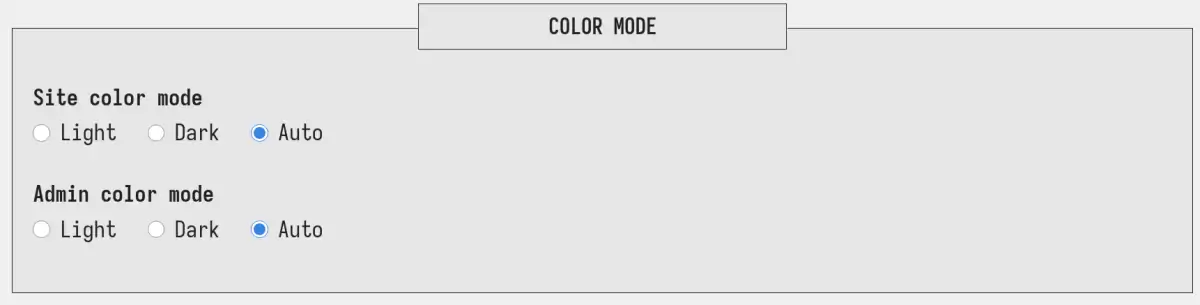
I'm a proud light mode user, and my favourite colour is blue. So that's why the default accent colour on Pure Blog is a lovely shade of blue. Similarly the design of the site will honour your dark/light mode preference automatically.
But what if you don't like the blue colour that I choose for Pure Blog? Or what if you prefer to always use dark mode? Well, you can customise both of those things in the Pure Blog CMS.
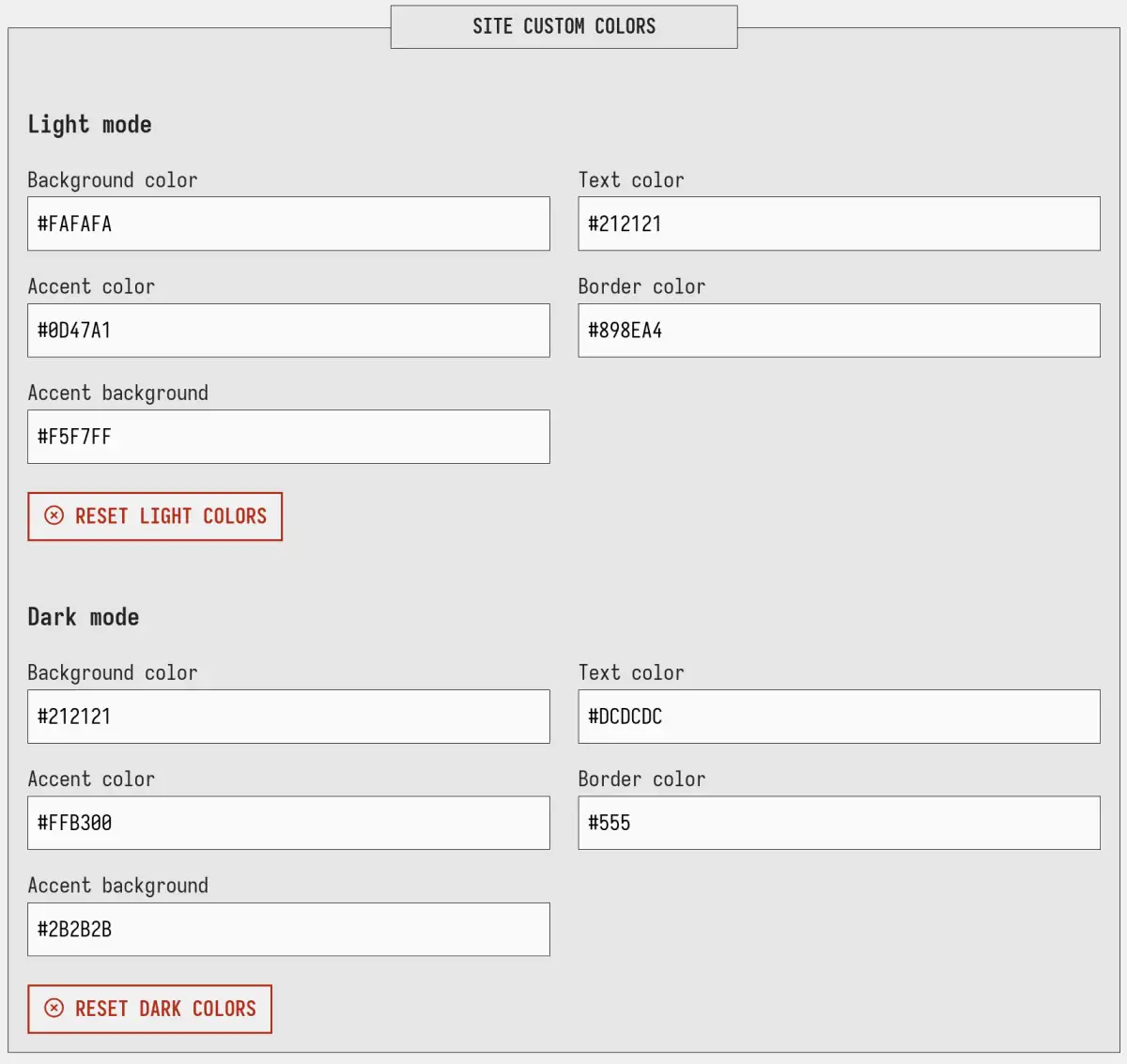
Custom colours are only available on the website, not on within the CMS. I might add this in the future, but I figured people are more likely to want to customise the front end, than the back end.
Layout
I like a simple blog layout that has the title, date, tags and a excerpt. But some people prefer to have the full post in the blog feed, while others prefer a very minimal archive (date & title) view. With Pure Blog you can switch between these different layout types with the click of a button.
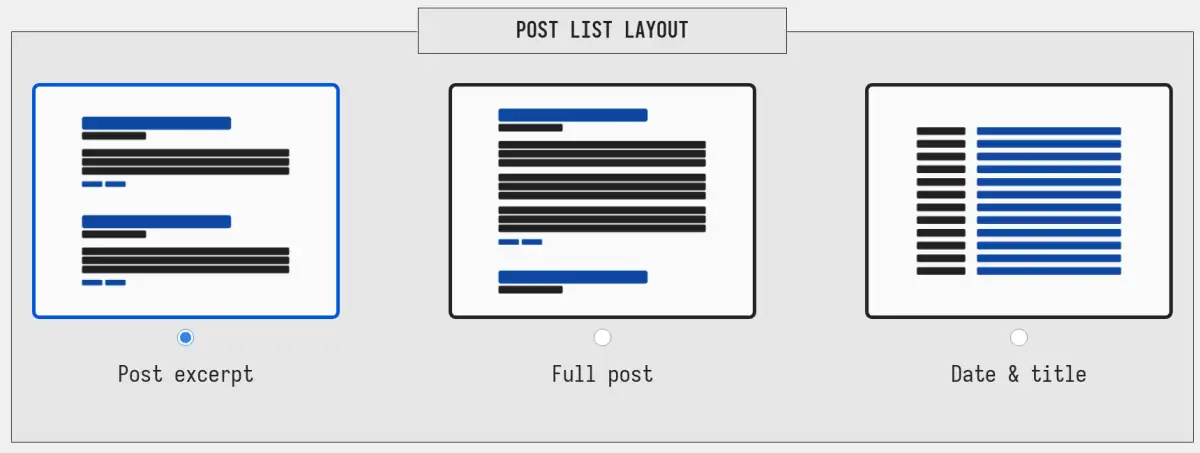
The best part is that this layout preference also updates on both tag and search results too.
Custom CSS
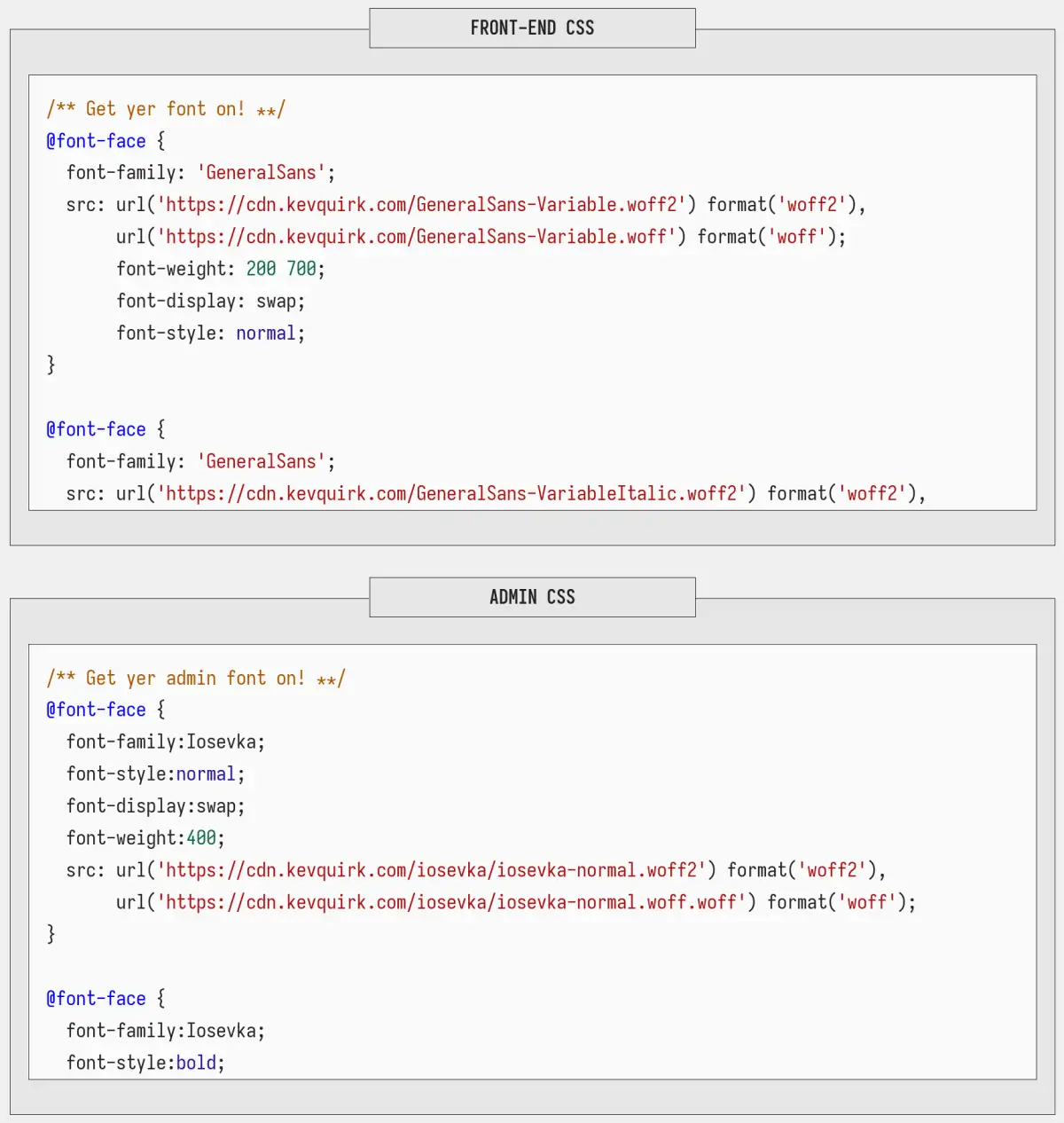
If you want to go a bit deeper and customise other parts of either your website, or the CMS, Pure Blog also supports custom CSS. So you can write your own CSS on the settings page, and that will override the default CSS styles.
Here's a video that goes over what we covered in this post: